
Search · 2025–2026
Searchly
One search box for many file sources
An Android search engine that queries many public file and torrent sources at once and shows each source's results as they arrive.
- 1K+ installs
- 4.0★ on Google Play
Problem
Finding a file means opening one search site after another, each with its own layout, ads and bot checks.
Approach
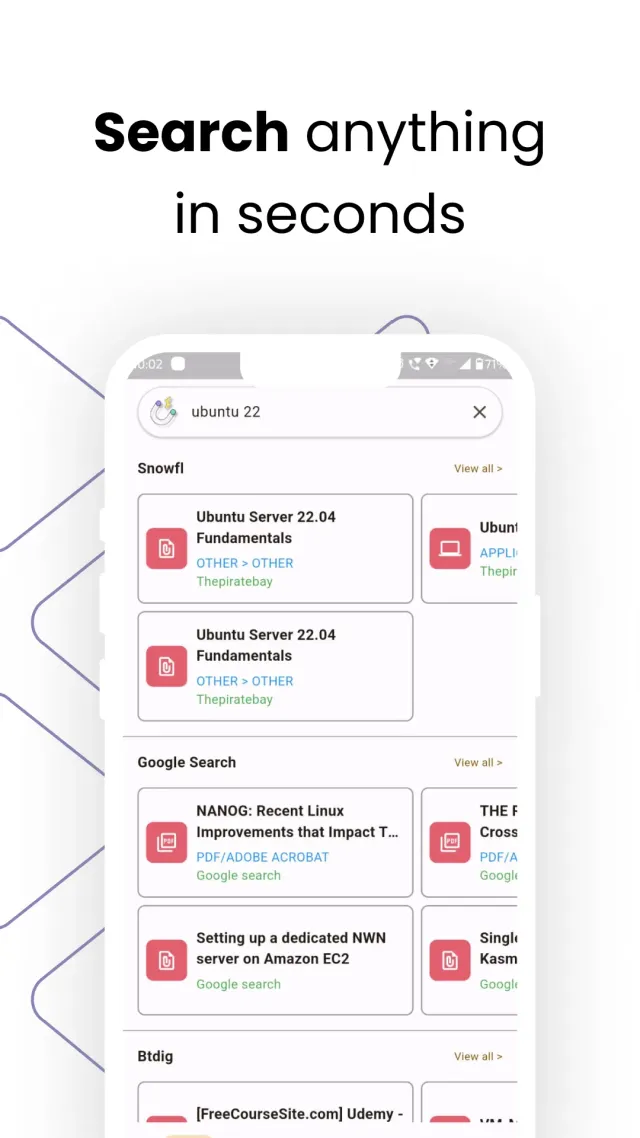
A Flutter app that searches every enabled source in parallel, normalizes the results into one format, and groups them by source with sorting and filters.
Result
1K+ installs and a 4.0★ rating on Google Play.
At a glance
App facts
- Platforms
- Android
- Built with
- Flutter, Web Scraping, flutter_bloc, Dio, flutter_inappwebview, SQLite, Firebase
- Available on
- Android
- Reach
- 1K+ installs · 4.0★ on Google Play
- Publisher
- YaaraTech
- Year
- 2025–2026
Why people use it
Highlights
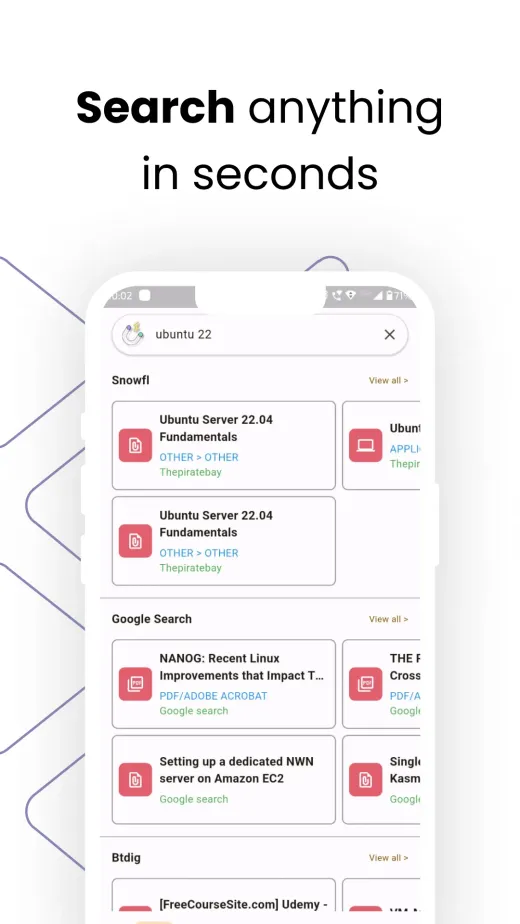
- One search box for many public file sources: movies, series, music, ebooks, apps and torrents, grouped by source as results arrive.
- Sort by seeders, date, size or name, filter by file type, and retry any source on its own.
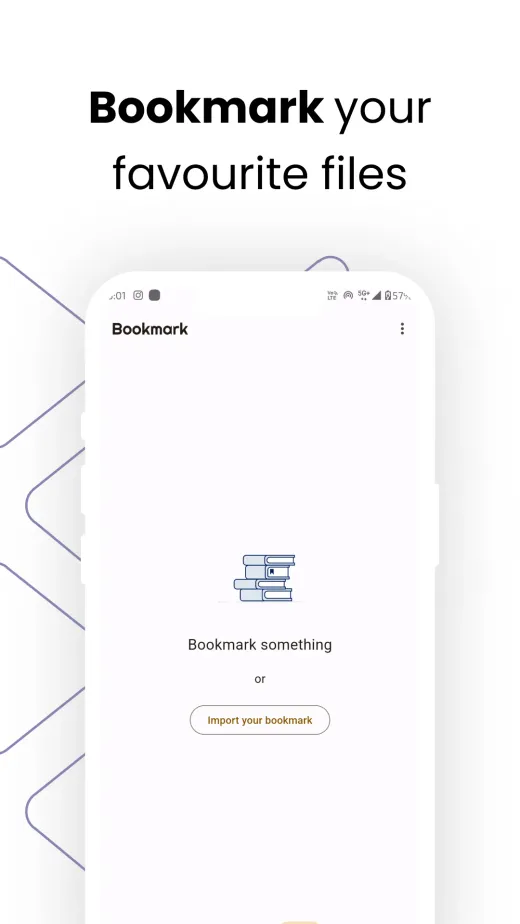
- Bookmarks, saved searches with alerts, a home-screen widget, and light and dark themes.
What it does
Searchly is a search engine for files: type a query once and it searches multiple public sources for movies, series, music, ebooks, apps and torrents. Results come back grouped by source, can be sorted and filtered, and open as a magnet or web link. It does not host any files.
Features
- Parallel search. Every enabled source is queried at once, with a progress bar and a status chip per source.
- Retry per source. A source that fails or times out can be re-run on its own without repeating the whole search.
- Sort and filter. Sort by seeders, newest, size or name, and filter by file type such as video, audio, software, games or books.
- Details page. File facts, one primary action, every link, and a QR code to open a link on a computer.
- Saved items. Bookmarks, collections and saved searches.
- Search alerts. Save a search and get notified about new results.
- Home-screen widget and deep links. Start a search from the launcher or from a link.
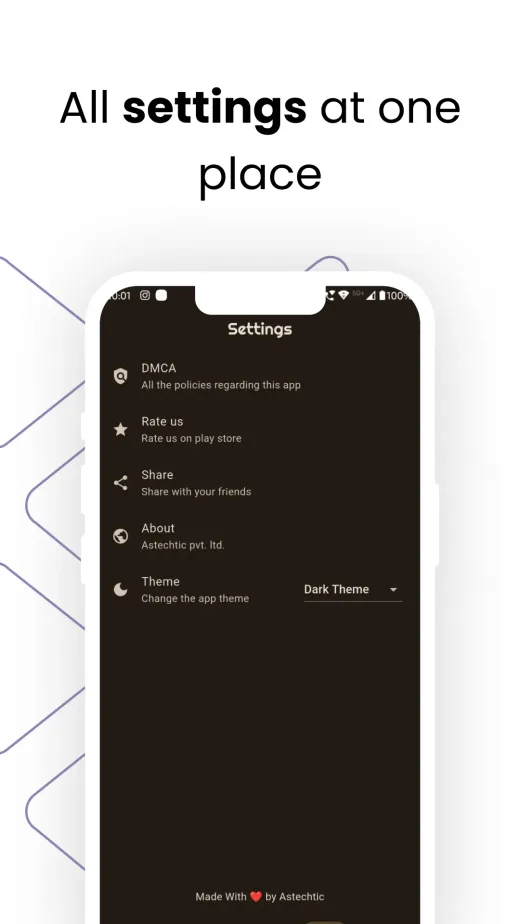
- Light and dark themes. All settings, including source order, in one place.
How it’s built
State is handled with flutter_bloc and get_it. The search bloc runs all enabled sources with Future.wait and emits after each one finishes, so results appear as they land instead of after the slowest source. Each source has a 20-second timeout and is then marked as failed. The source list comes from a remote config, with a bundled fallback when it can’t be fetched, and the scraping logic runs as JavaScript parser classes inside a headless flutter_inappwebview page that Dart calls into. A result parser turns each site’s free-text size, seeders and age into numbers, and works out the file type and torrent info-hash, which is used to drop duplicate results. Saved items live in SQLite.
Under the hood
- Challenge-aware networking. A Dio interceptor detects browser challenges, solves them in a headless WebView and retries the request with the cookies it got. If that takes more than 5 seconds, the WebView is shown so the user can pass the check.
- Remote launch flags. Pro (RevenueCat) and ads (LevelPlay and Unity Ads) sit behind remote config flags that default to off. While Pro is off, its features are free for everyone.
- Engagement rules. The first successful search is ad-free, full-screen ads are rate-limited, and the review prompt only appears from the third session after the user has opened a link, at most once every 30 days.
Gallery
Screens

Policies
Privacy and terms
Keep exploring
