
Productivity · 2026
Incognito Vault
Keep the incognito AI chats that matter
A Chrome and Safari extension that saves Claude incognito and ChatGPT temporary chats to Markdown, with artifacts, before the tab closes.
- Live on the Chrome Web Store
- Live on the Mac App Store
Problem
Claude incognito and ChatGPT temporary chats live only in the page's DOM. Close the tab and a conversation worth keeping is gone.
Approach
Content scripts scrape the open chat into Markdown with a dependency-free converter, a background layer files it to disk, and IndexedDB keeps a private local history.
Result
Live on the Chrome Web Store and the Mac App Store, from one shared codebase with a thin platform layer per browser.
At a glance
App facts
- Platforms
- Chrome extension · macOS app
- Built with
- JavaScript, Chrome Extension (MV3), Safari Web Extension, IndexedDB
- Available on
- Chrome · macOS
- Reach
- Live on the Chrome Web Store · Live on the Mac App Store
- Publisher
- YaaraTech
- Year
- 2026
Why people use it
Highlights
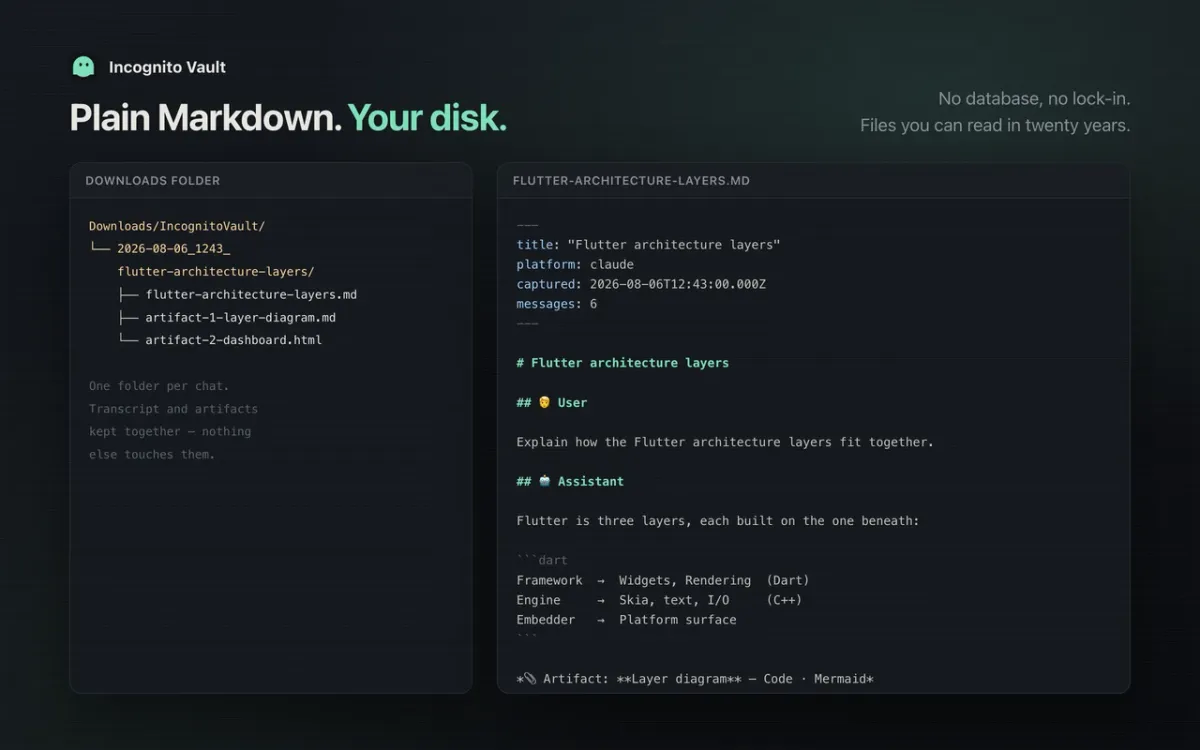
- Saves Claude incognito and ChatGPT temporary chats to Markdown with YAML front-matter, so a conversation worth keeping doesn't close with the tab.
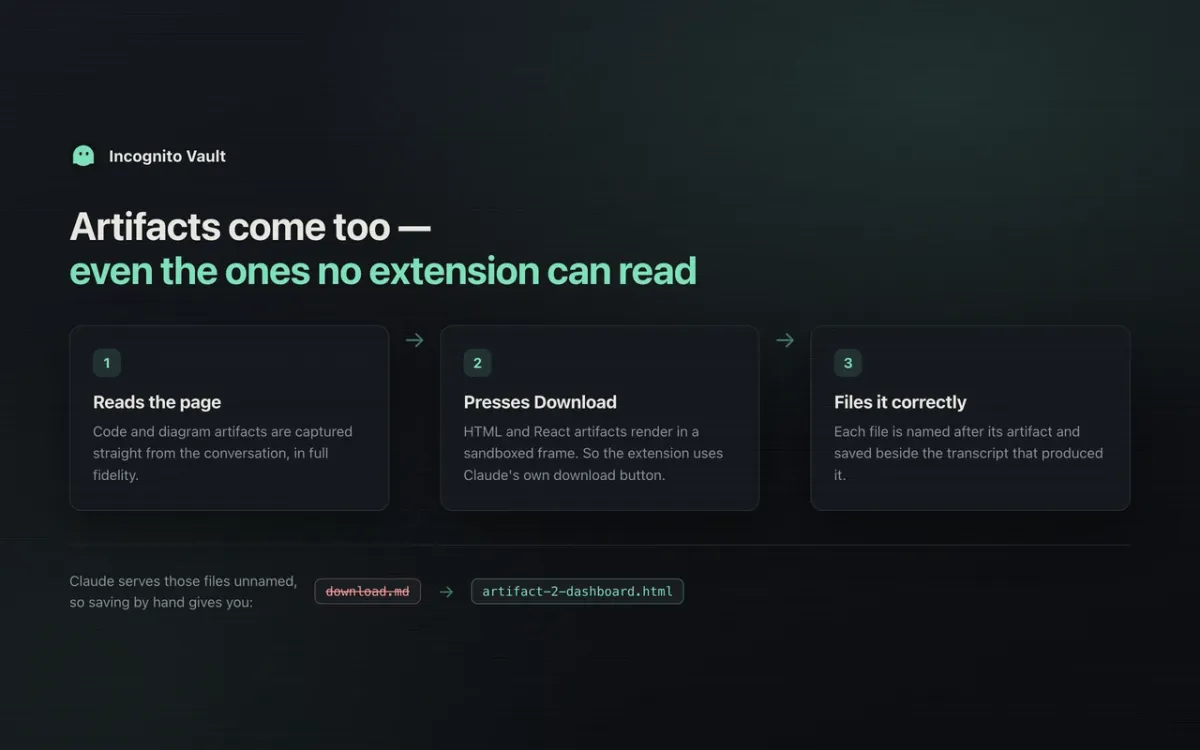
- Captures Claude artifacts (HTML and React files) into the same folder and gives untitled chats readable names.
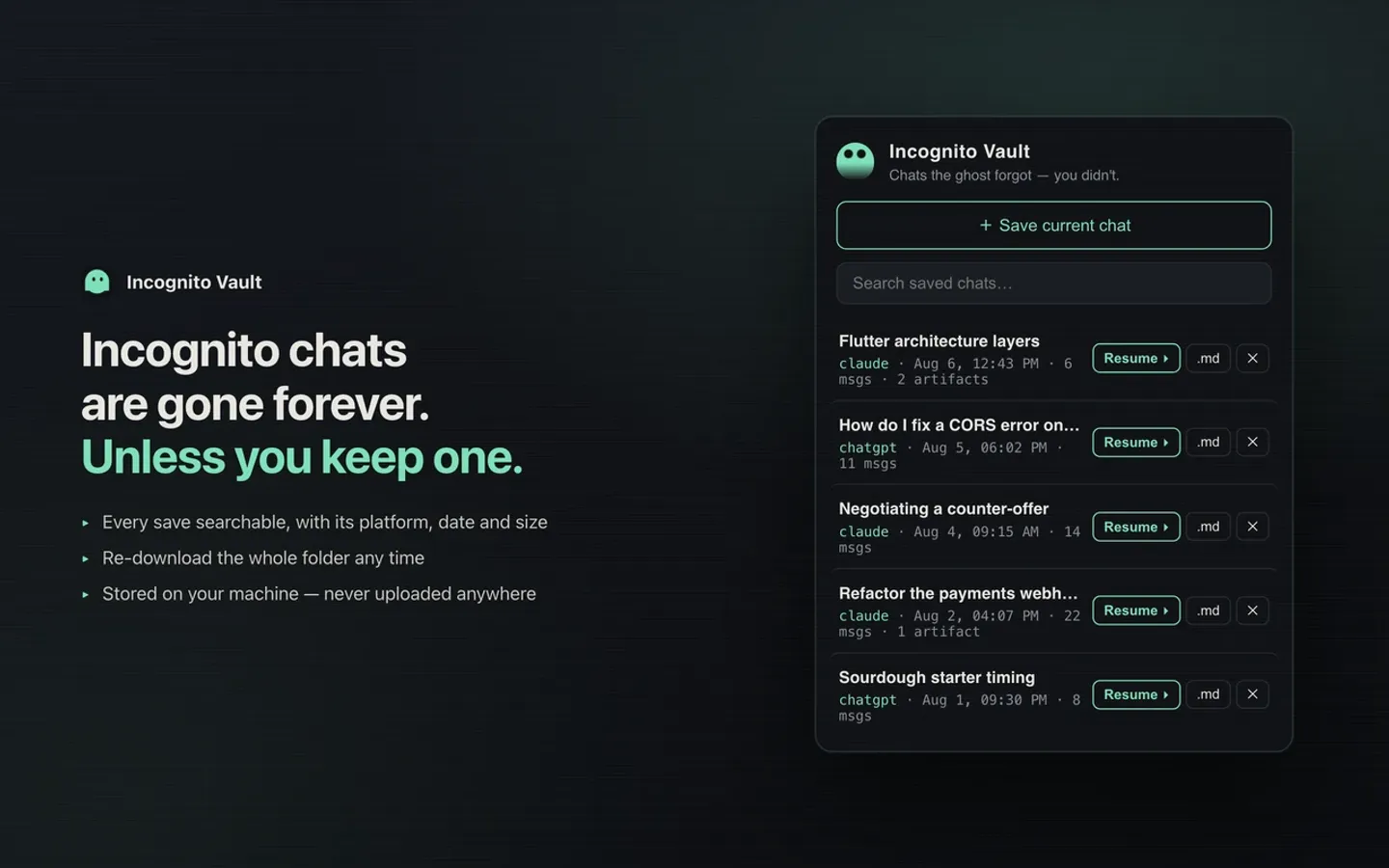
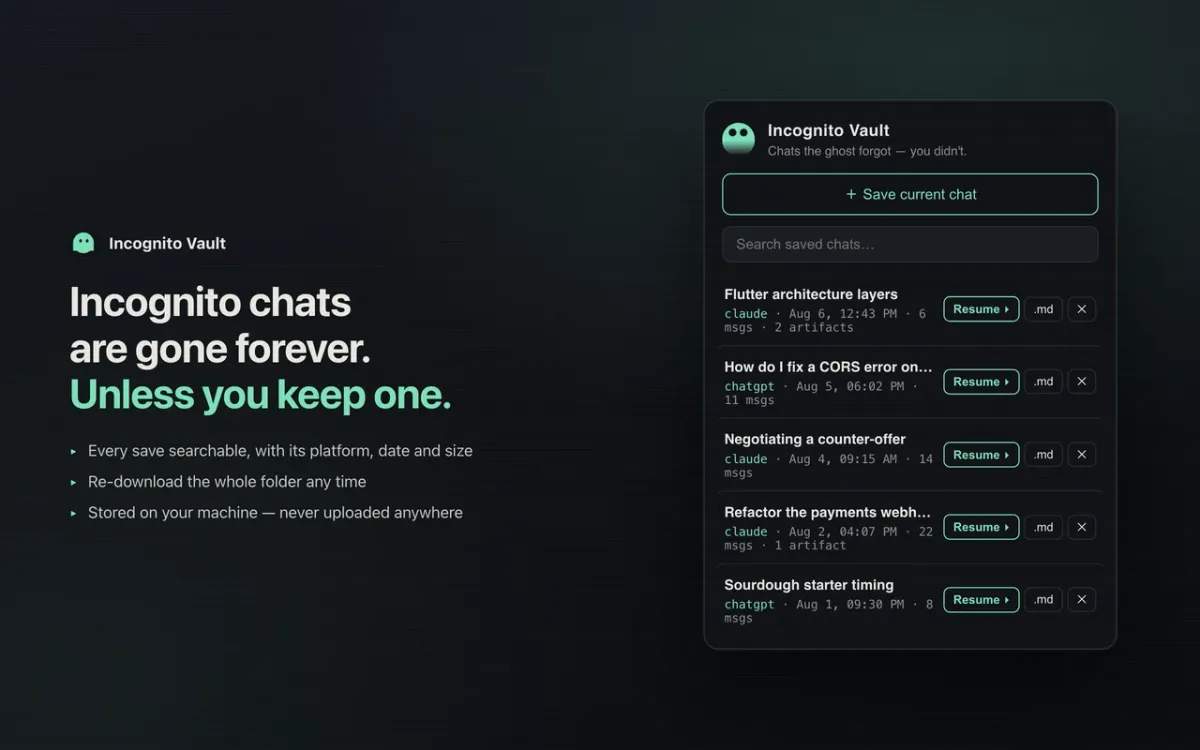
- A private, searchable history kept in IndexedDB on your computer, with no cloud sync, analytics or account, and one-click resume into a fresh incognito chat.
What it does
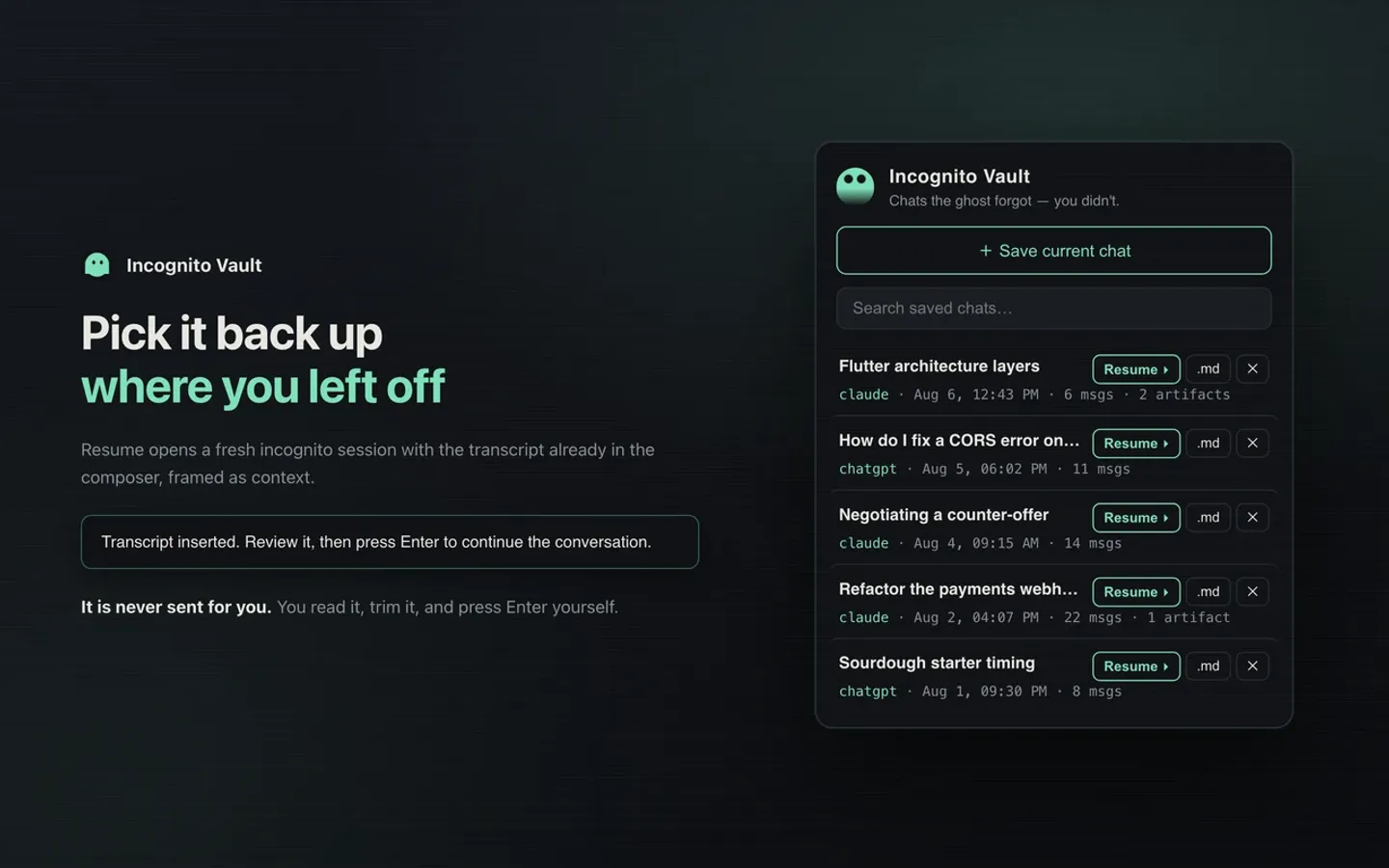
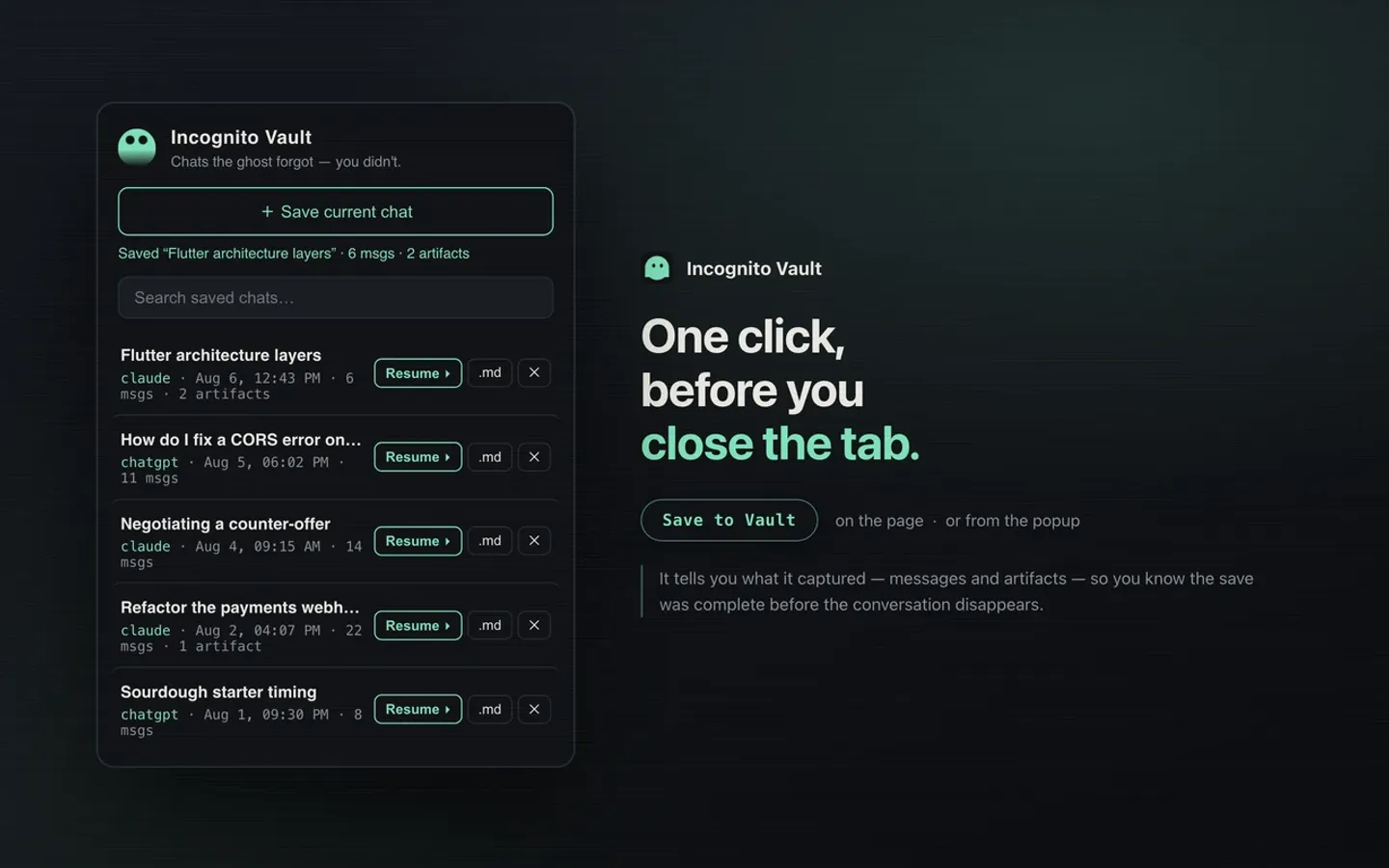
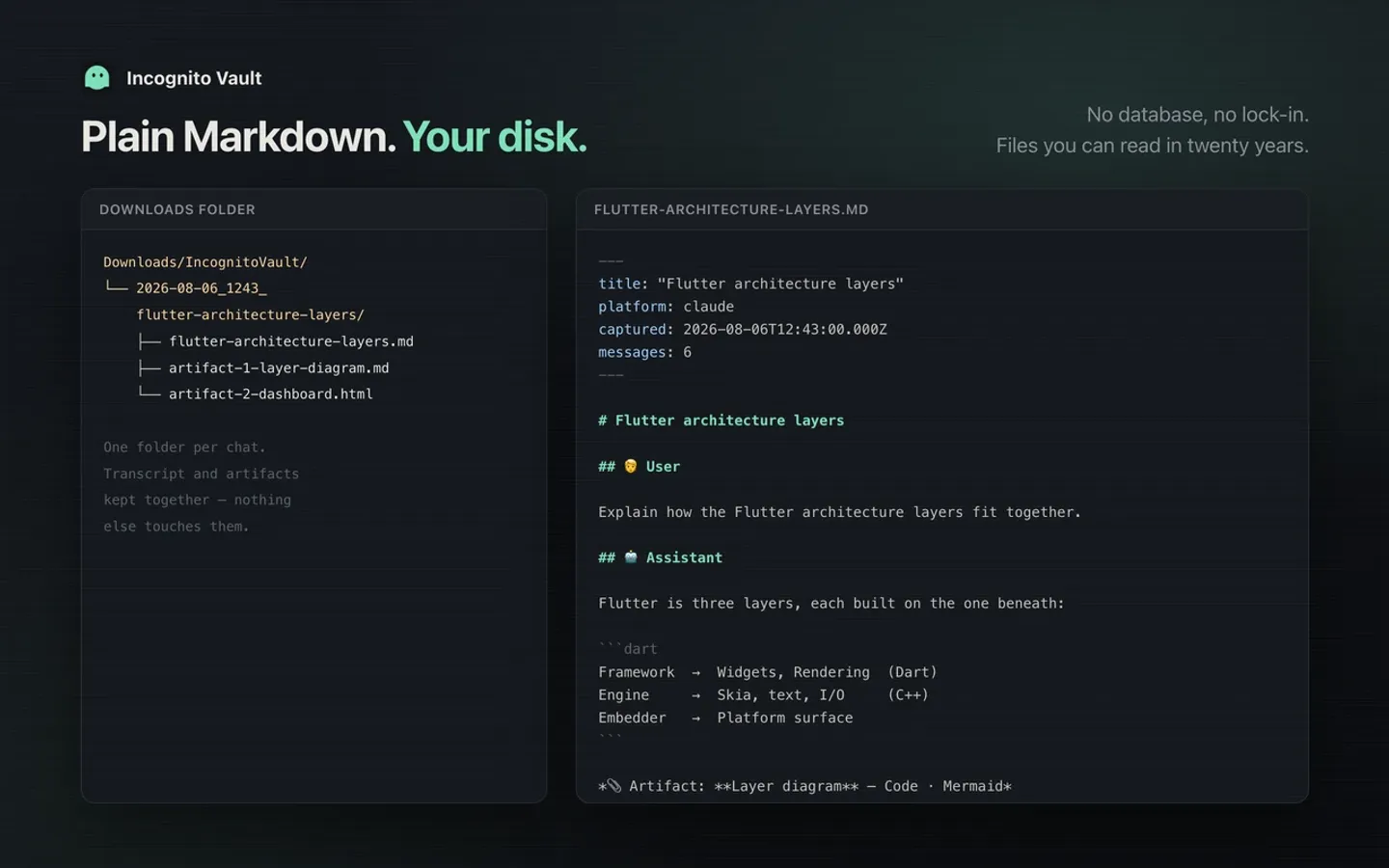
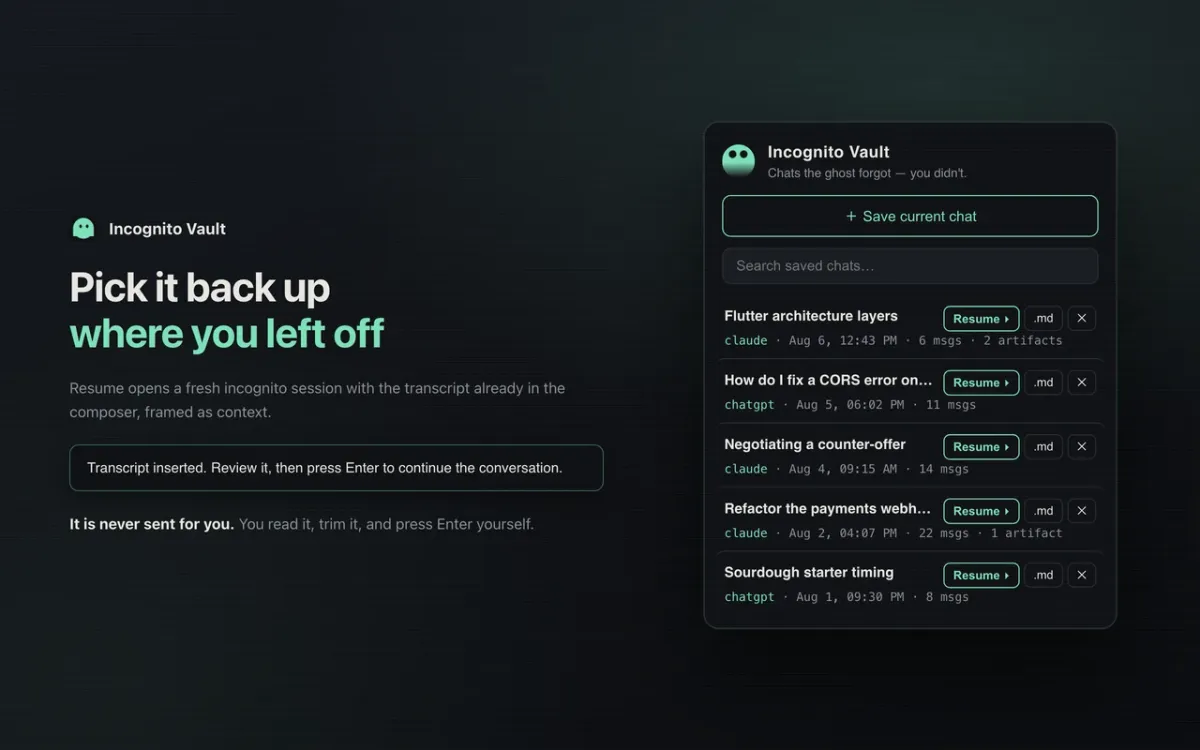
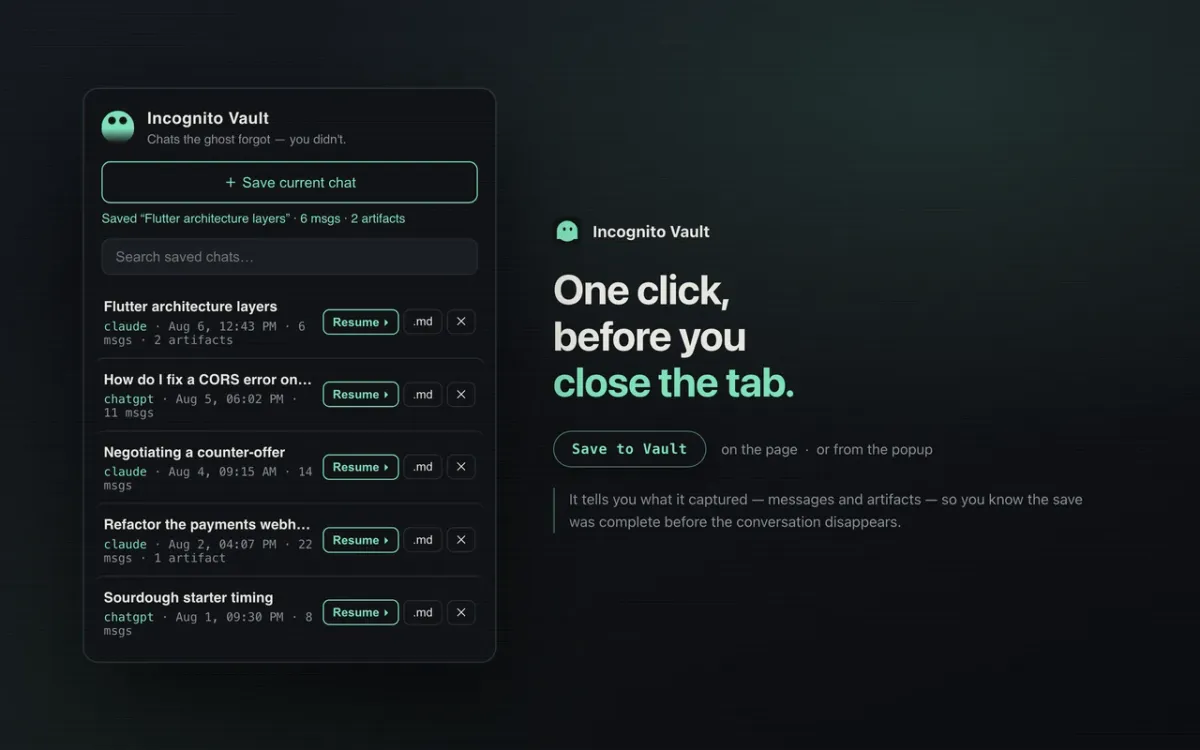
Incognito Vault adds a Save to Vault button to claude.ai and chatgpt.com. One click exports the conversation to Markdown with YAML front-matter (title, platform, capture time, message count) into Downloads/IncognitoVault/<date>_<title>/. Claude artifacts land in the same folder. A popup lists every saved chat, and Resume opens a fresh incognito or temporary session with the transcript in the composer.
Features
- Markdown export. Code blocks, lists, tables and links survive the conversion, under a YAML front-matter header.
- Artifact capture. For HTML and React artifacts, which render in a sandboxed iframe no extension can read, it presses Claude’s own Download button and files the result into the chat’s folder.
- Real chat names. Untitled chats get a short headline from the first message, so folders read
how-do-i-fix-a-cors-errorinstead ofnew-chat. - Local history. Searchable list in IndexedDB with re-download and delete. No network calls, analytics or accounts.
- Resume. ChatGPT opens with
?temporary-chat=true. On Claude it clicks the incognito button, and if it can’t find it, the transcript goes to the clipboard. - Never auto-sends. Resumed transcripts stop in the composer until you press Enter.
- Narrow permissions. Only
storageanddownloadsplus the three chat hosts. It doesn’t requesttabs.
How it’s built
shared/ holds the platform-neutral code: an IndexedDB layer, Markdown and slug builders, the resume handoff, the message router, a 171-line HTML-to-Markdown converter and the content script. chrome/ and safari/ each add only a manifest and a platform/save.js. build.sh assembles dist/chrome and dist/safari by plain file copies, with no bundler, and syncs the Safari build into a multiplatform Xcode project for macOS and iOS.
Chrome saves through chrome.downloads from an MV3 service worker. Safari has no downloads API, so its save layer returns the files to the page, which packs them with a small store-only ZIP writer and downloads them from a real user gesture.
Under the hood
- Filename enforcement. Chrome can drop the requested
filenameand fall back todownload.md, sodownloads.onDeterminingFilenamere-asserts the intended path.mimeFor()keeps the MIME type and file extension in agreement. - No blobs in a service worker. MV3 workers lack
URL.createObjectURL, so Chrome downloads are base64data:URLs. - Release checks at build time.
build.shfails if a manifest description exceeds the store limit (132 characters for Chrome, 112 for Safari) or the two platform versions drift apart. - One place for selectors. Every site-specific selector lives in a single
SELECTORSobject, so a site UI change means editing one spot.
Gallery
Screens
Keep exploring


